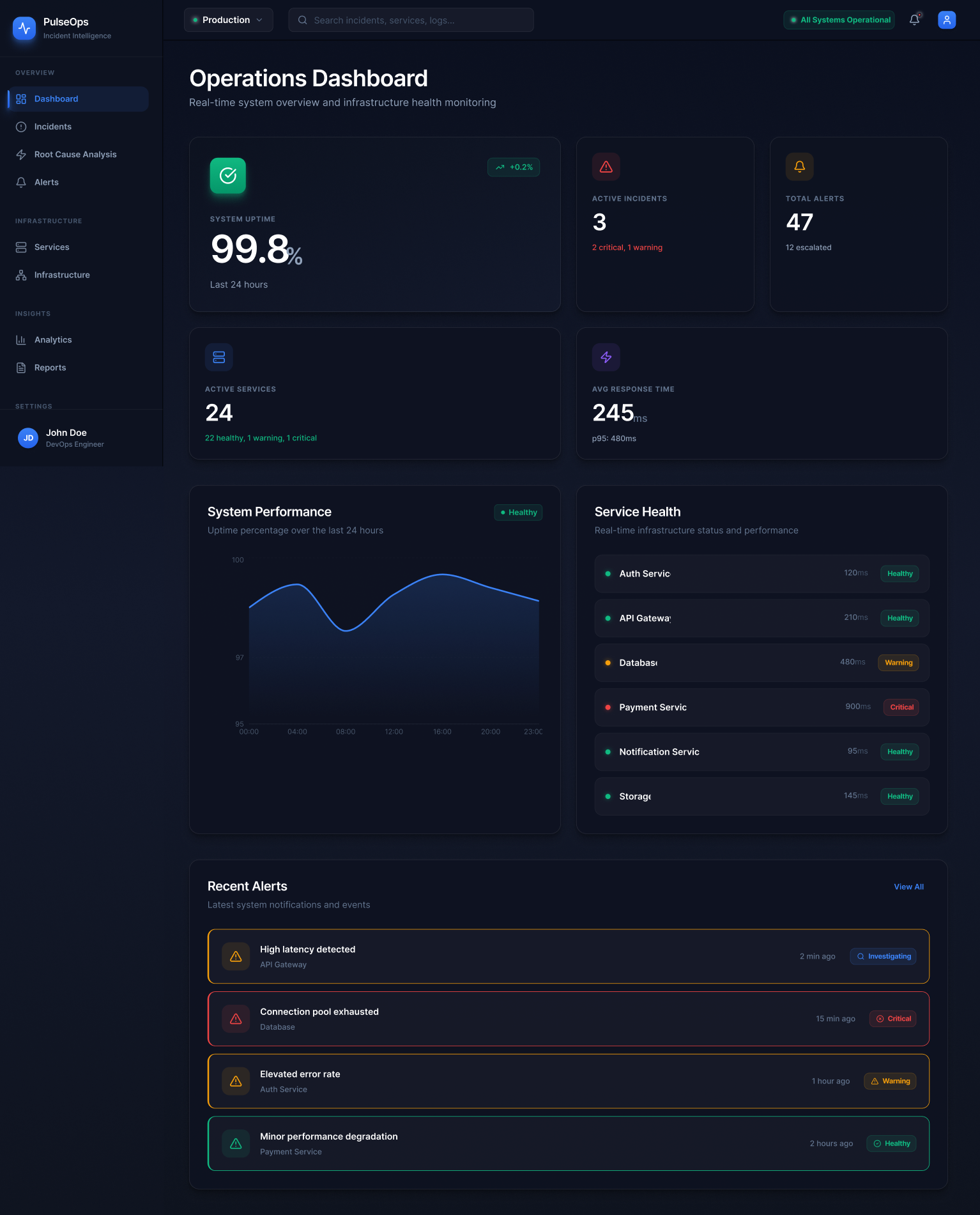
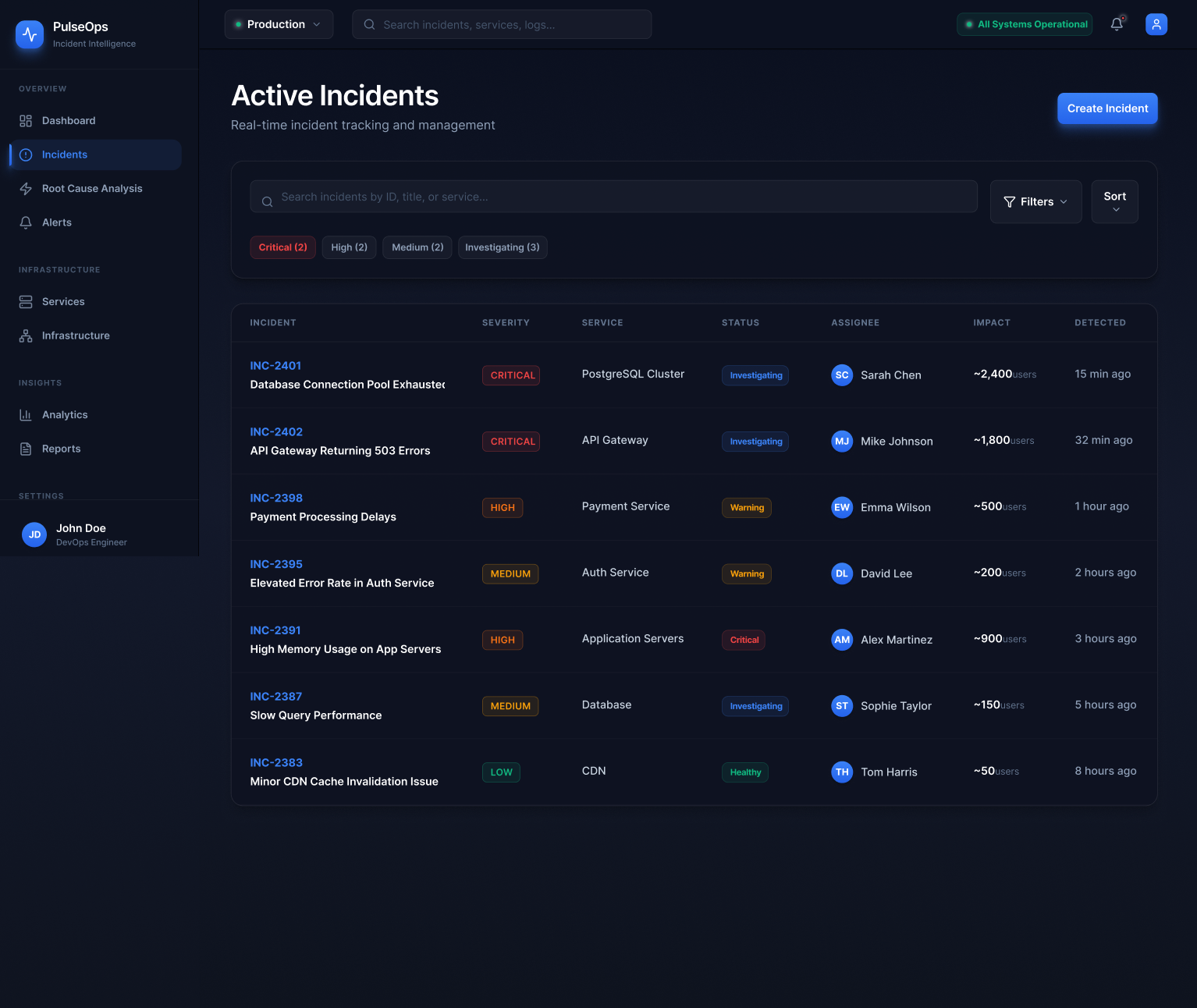
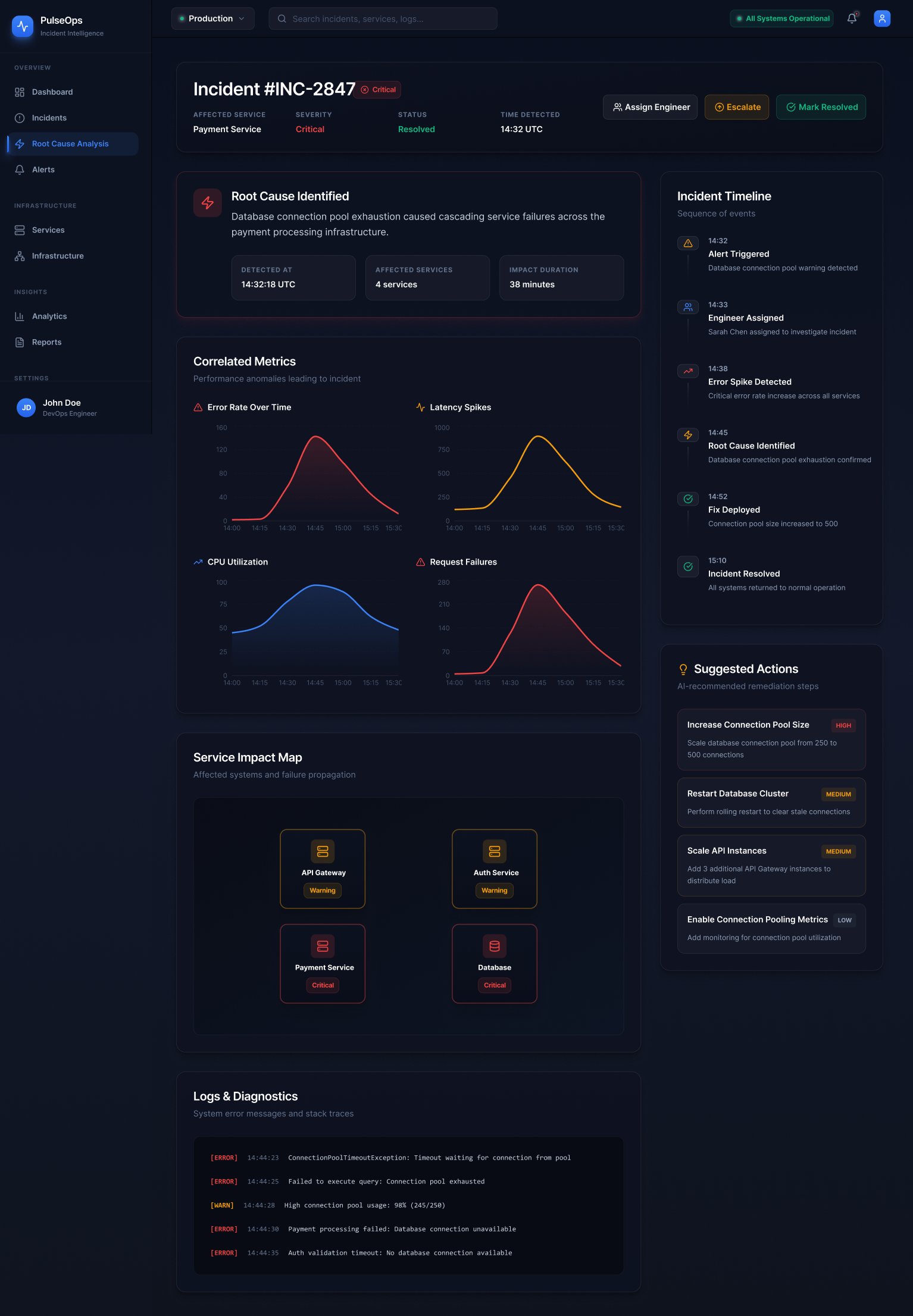
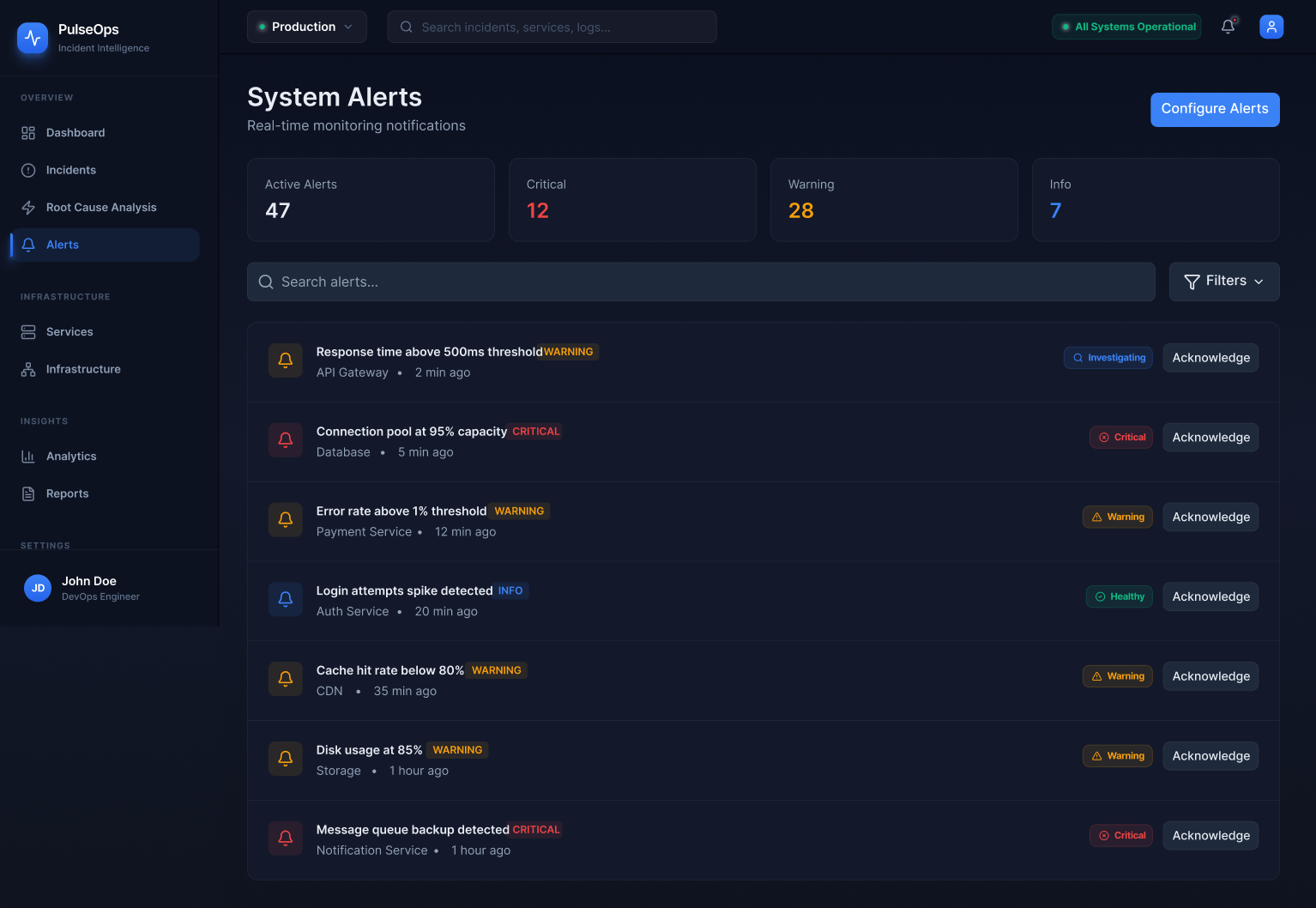
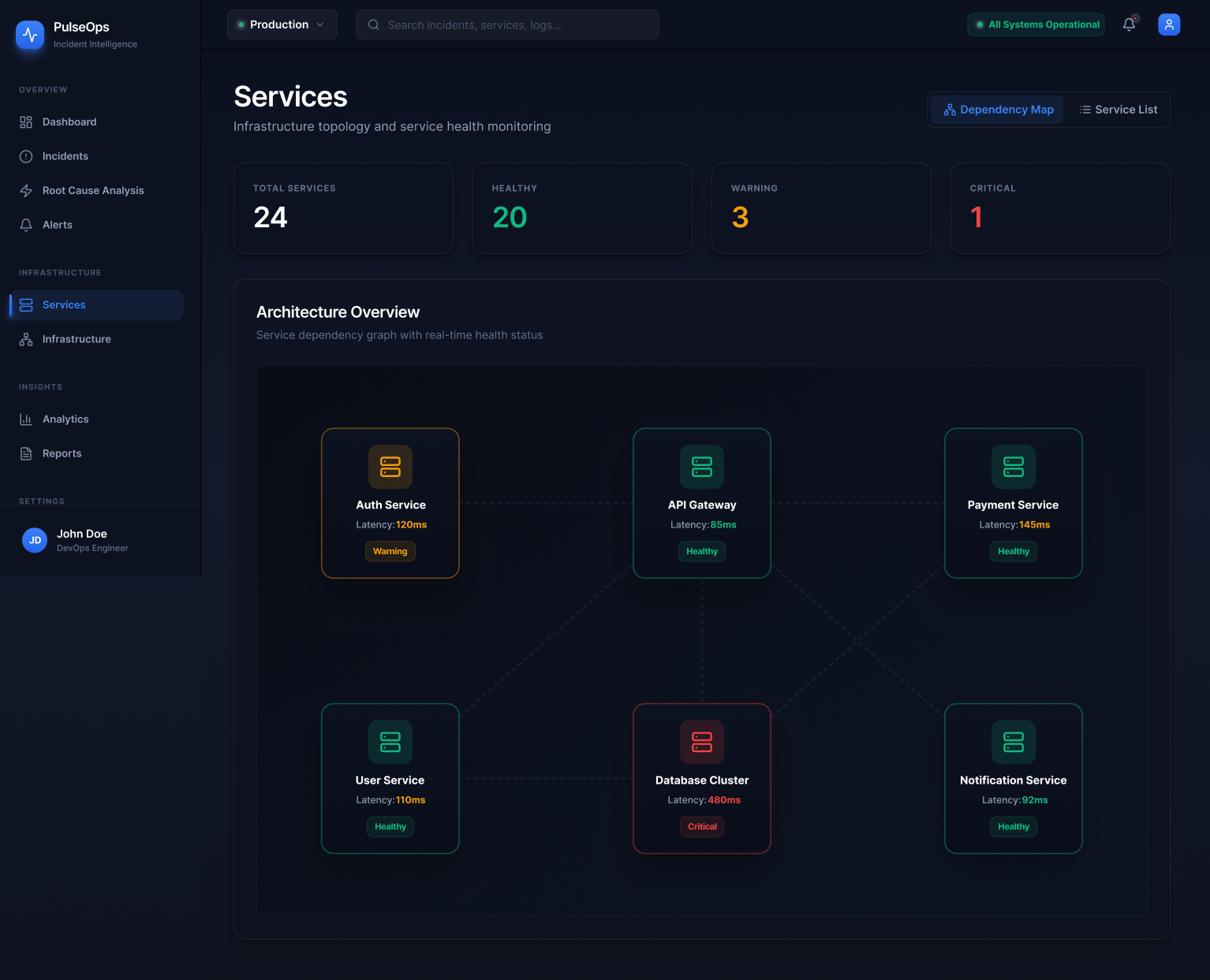
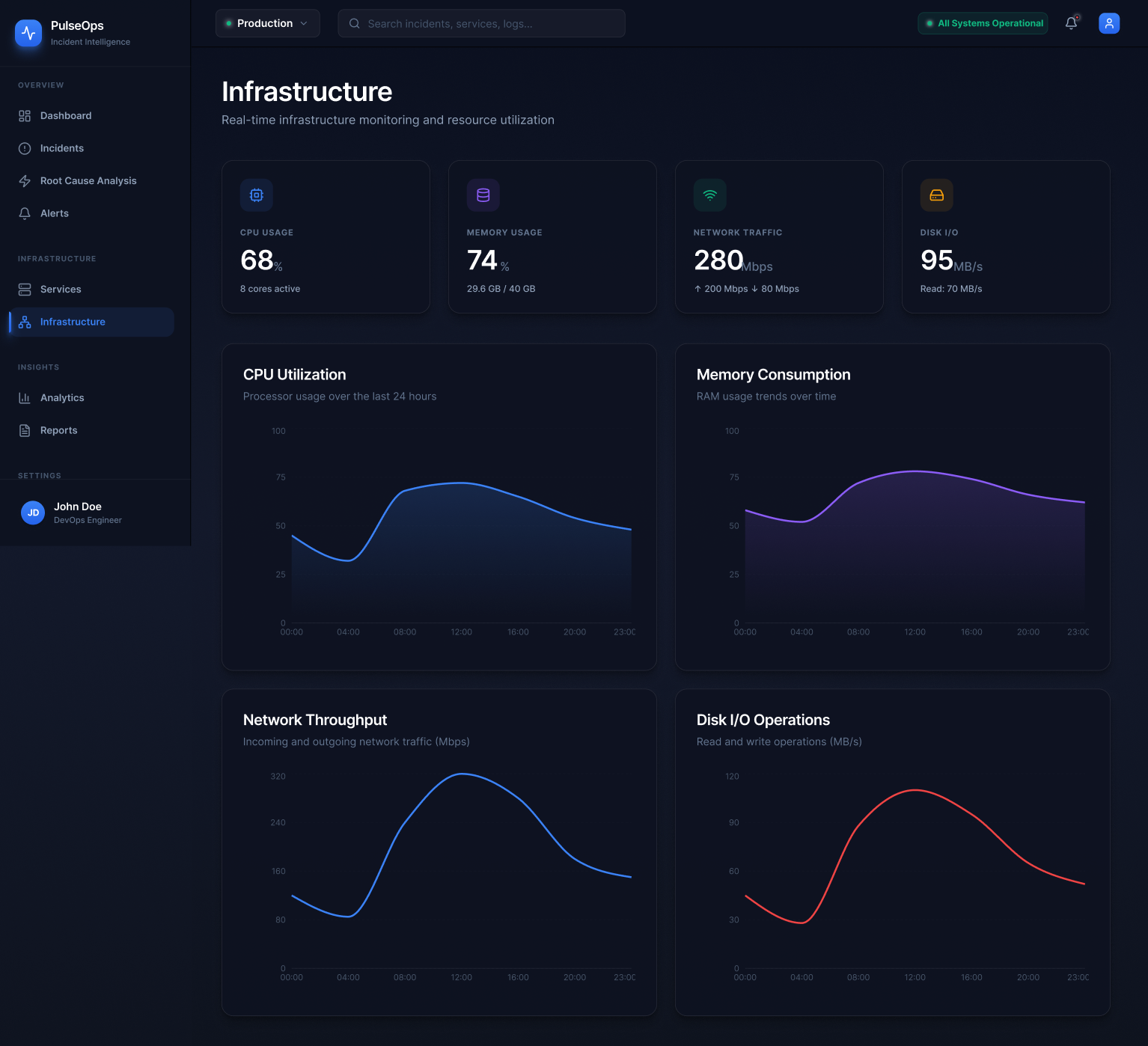
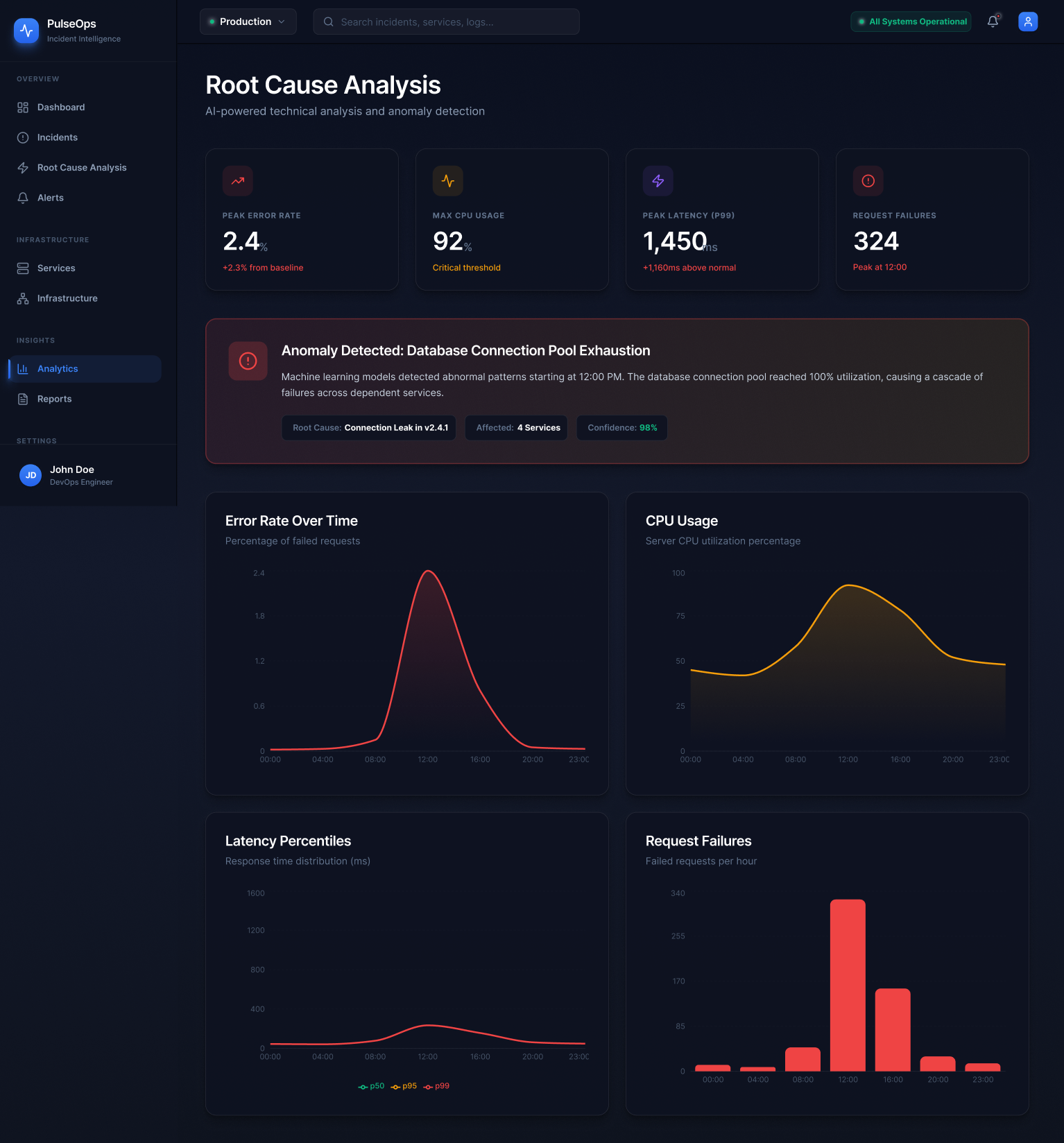
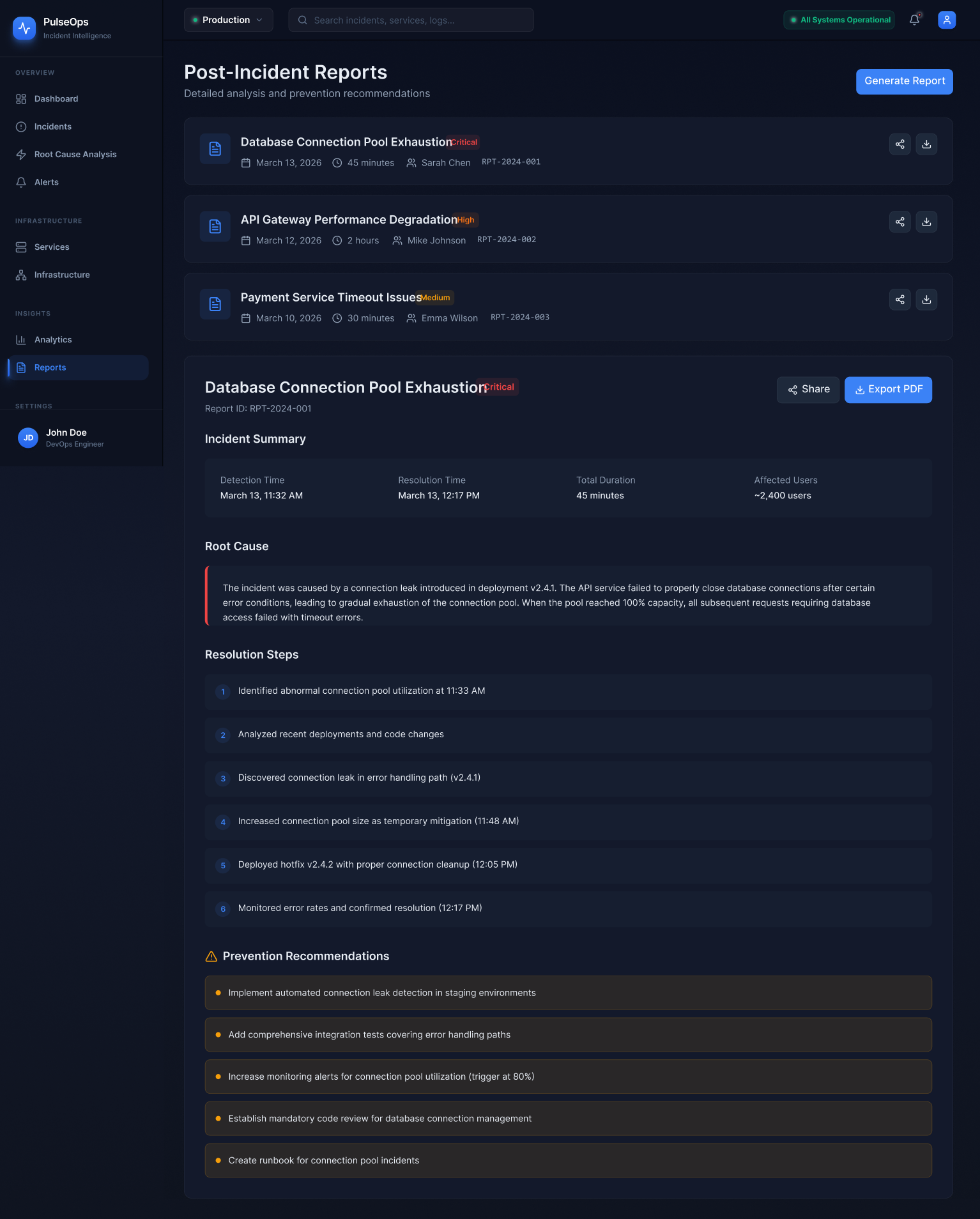
I researched the space the way you would before designing for a real engineering team.
This is a portfolio concept, but I approached the research phase as if I had access to real users. I drew from competitive analysis of existing platforms, published SRE literature, industry incident retrospectives, and public engineering blogs where teams have documented their real operational pain points.
Method 01
Competitive analysis
Studied Datadog, PagerDuty, Grafana, New Relic, and Opsgenie. Each has strengths in specific layers — monitoring, alerting, or reporting — but none unifies the full investigation workflow in a single coherent experience. Most feel like collections of powerful features rather than products designed around a workflow.
Method 02
Industry incident reports
Analysed public postmortems from companies including GitHub, Cloudflare, Stripe, and Shopify. A recurring pattern: the most costly part of incidents was not fixing the problem — it was the first 10–15 minutes of trying to understand what was actually broken and how far the impact had spread.
Method 03
SRE literature & Google's SRE book
The Google SRE book and Betsy Beyer's follow-up work shaped how I thought about the operational lifecycle — detection, triage, mitigation, and postmortem as a complete cycle. This became the backbone of PulseOps's navigation model.
Method 04
Engineering blog analysis
Engineering blogs from Netflix, Discord, Figma, and Linear surfaced recurring observations: engineers want their tools to surface relationships, not just raw data. The ability to understand "what depends on what" and "where did this start" emerged as the most underserved need.
The research kept returning to one word: orientation. Engineers don't need more data. They need to know where they are in the problem.
Research synthesis
I also looked closely at the information architecture of existing tools — how they group features, what they treat as primary navigation, and where they force context switches. Almost universally, the investigation workflow is split across at least three separate product areas. That fragmentation informed the core IA decision in PulseOps: treat detection, triage, diagnosis, and review as a single vertical, not as separate products bolted together.